
This guide will take you through the basics of how FaxStore Hosted plans work with TurboNode to create a streamlined experience with no complicated setup or configuration files.
What is FaxStore?
Like other e-commerce pre-made websites, FaxStore is designed to be the best in what it does. FaxStore all-in-one e-commerce platform that allows you to run your business your way! With integrations with many platforms like Discord, Google, Tebex, PayPal, Stripe, and many more getting set up and earning money through your favourite services is never easier. As FaxStore is hosted and controlled by you there are no hassles with making changes or running the operation how you want it to be ran.
FaxStore is primarily aimed at merchants and businesses that sell digital goods online and also supports other types. Here's a list of the item types supported:
- Paid digital goods
- Free digital downloads
- Paid digital goods with Discord role requirements
- Subscriptions
- Pre-orders
With a comprehensive staff and management panel you can easily take charge of your data, figures, and assets with FaxStore. Don't pay for a service and have your data taken by larger corporations.
Requirements
FaxStore has some basic prerequisites to be able to fully use the store.
- You'll need a domain name (like example.com)
- A PayPal Business, Stripe, or Square account is desired to accept payments
- A Weblutions account will need to be linked to TurboNode
First Time Setup
When you first purchase a FaxStore server you'll get emailed a setup link after a few minutes where you'll be able to complete the FaxStore setup by filling in some needed data and configuring your store!
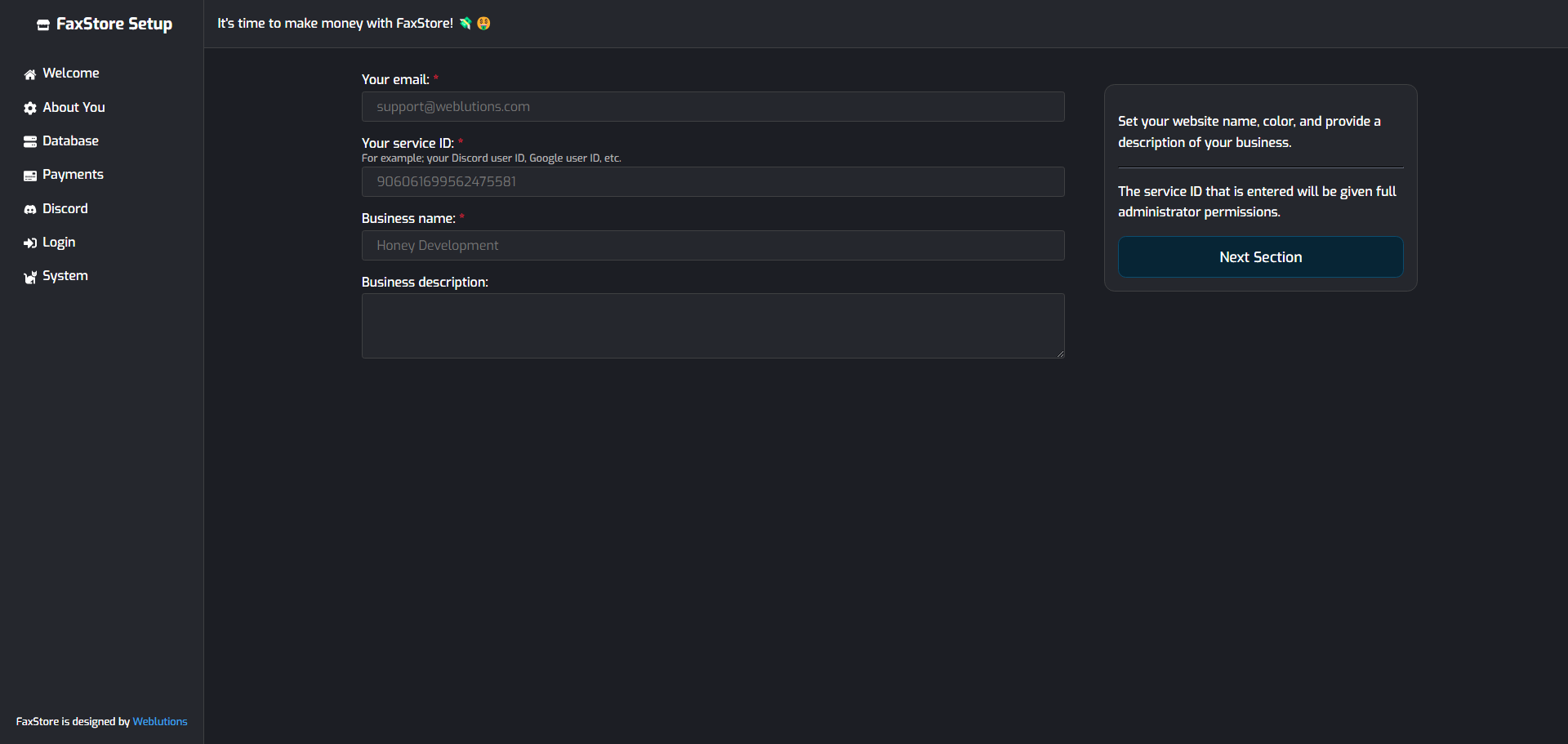
Once you complete the setup your store is ready to use, just like that! Time to enjoy FaxStore.